easy-pil
Write a few lines of Python. Get an image back.
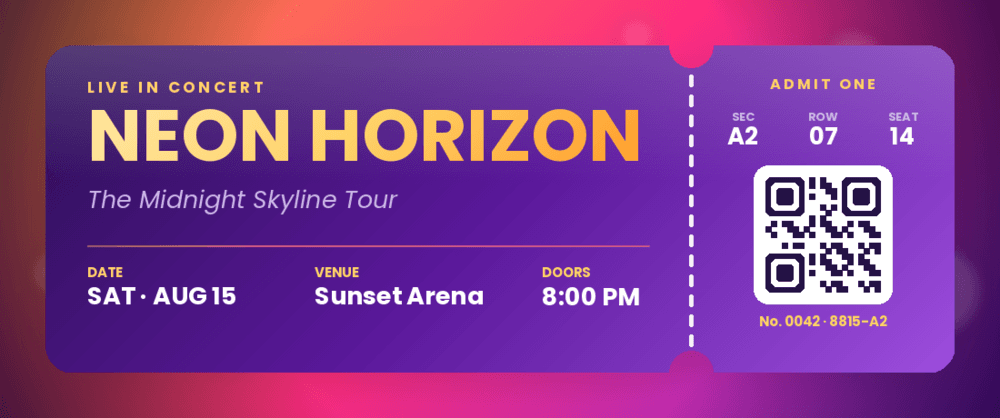
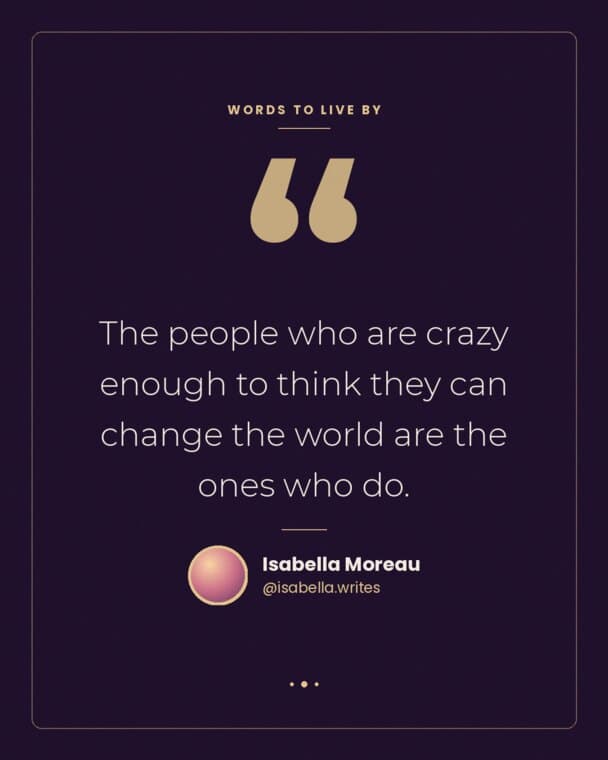
Cards, banners, dashboards and tickets — composed in code, with real fonts, gradients, shapes and shadows. No design tool, no headless browser, no boilerplate. Built on Pillow.
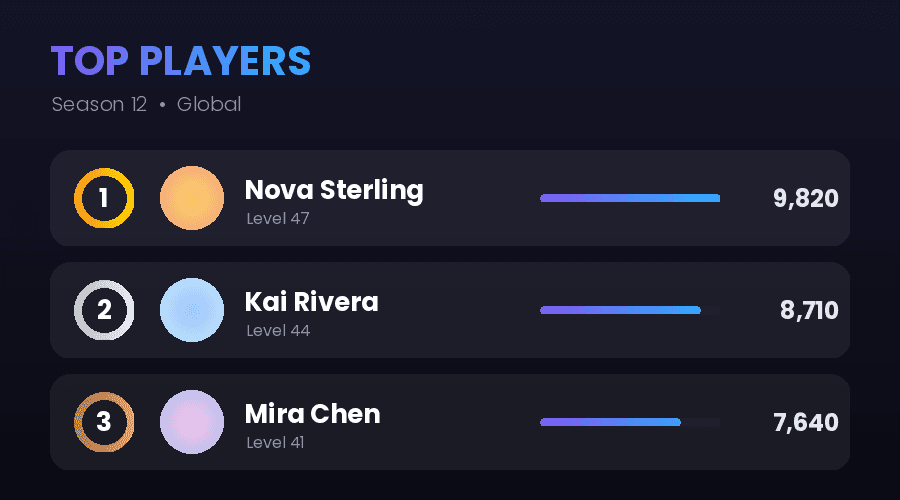
W, H = 1000, 340
ACCENT = LinearGradient(["#7f5af0", "#2cb1ff"])

card = Editor(Canvas((W, H), color="#0e0e14"))
card.effect(ColorOverlay((10, 10, 18), alpha=0.38))

# Avatar: gradient donut ring with a circular avatar seated inside it.
AV_CX, AV_CY = 140, 170
card.donut((AV_CX, AV_CY), 96, 105, fill=ACCENT)
avatar = Editor(Canvas((184, 184), color=RadialGradient(["#f6d365", "#fda085"])))
avatar.circle_image()
card.paste(avatar, (AV_CX - 92, AV_CY - 92))

card.text((285, 66), "Nova Sterling",
          font=Font.poppins(variant="bold", size=46), color="#ffffff")

# Level pill.
card.rectangle((285, 178), 138, 40, fill=ACCENT, radius=20)
…
# Slim XP bar with a knob.
card.rounded_bar((285, 268), BAR_W, 10, percentage=74, fill=ACCENT)
card.ellipse((knob_x - 9, 264), 18, 18, fill="#ffffff")

card.save(OUT / "profile_card.png")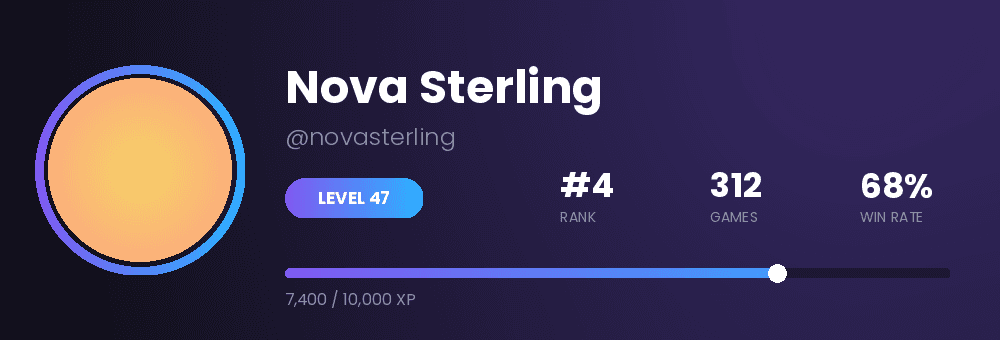
Python ≥ 3.11 · MIT · every image on this page is output from a script in examples/
38 effects, one method
Every effect is a class you pass to editor.effect(...). They chain, and they all take parameters.
Blur & Filters
- Blur
- Contour
- Emboss
- EdgeEnhance
- Sharpen
- Smooth
- Pixelate
Color
- Grayscale
- Sepia
- Invert
- Posterize
- Solarize
- Threshold
- Duotone
Overlay
- ColorOverlay
- Gradient
- Vignette
- Noise
- Scanlines
- Halftone
- Dither
Lighting
- Glow
- Bloom
- Neon
- EdgeGlow
Distort
- Ripple
- Vortex
- Glitch
- PixelSort
- Kaleidoscope
- ChromaticAberration
Artistic
- OilPaint
- TiltShift
- Sketch
- Cartoon
- Thermal
Shadow & Region
- DropShadow
- PixelateRegion
The whole API
One Editor. Every method returns it, so they chain — and they read like what you’re trying to draw.
Text
6Wraps, fits and shadows itself. Mix fonts and colours in one line.
- text
- rich_text
- text_box
- text_shadow
- fit_text
- centered_text
Shapes
10Fills, outlines, stroke widths — gradients work as fills too.
- rectangle
- ellipse
- squircle
- bar
- rounded_bar
- polygon
- star
- arc
- line
- donut
Adjust
10The usual transforms, without touching Pillow directly.
- resize
- rotate
- crop
- flip
- thumbnail
- contrast
- brightness
- saturation
- invert
- blur
Composite
7Stack images, mask them, round them off.
- paste
- blend
- mask
- compose
- rounded_corners
- circle_image
- add_border
Colour
5Gradients and canvases you can hand straight to any fill.
- Canvas
- LinearGradient
- RadialGradient
- Font.poppins
- Text
I/O · async · GIF
6Load remote images without blocking, write bytes, edit every frame of a GIF.
- Editor.open
- save
- show
- to_bytes
- load_image_async
- GifEditor
Made with easy-pil
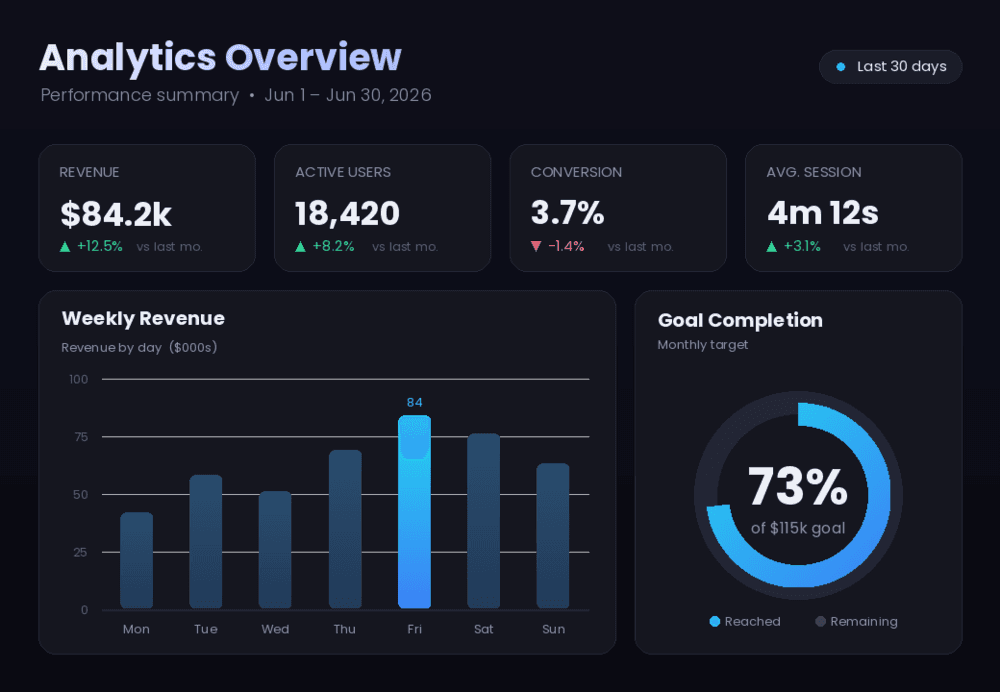
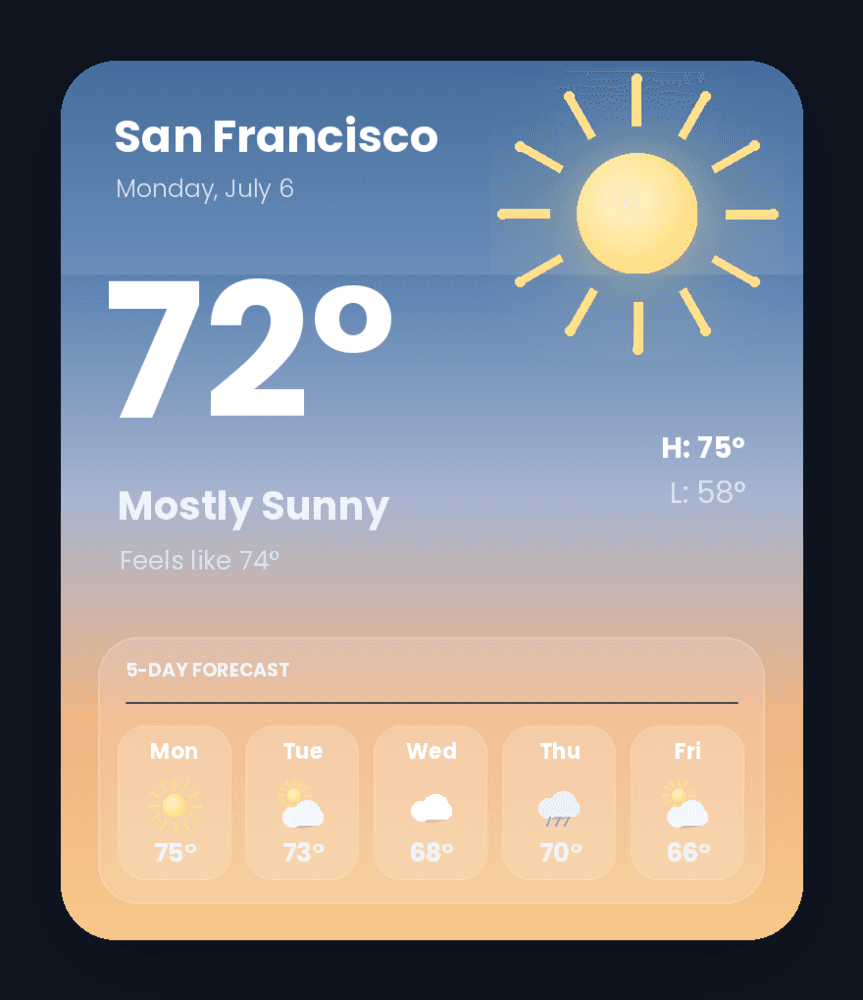
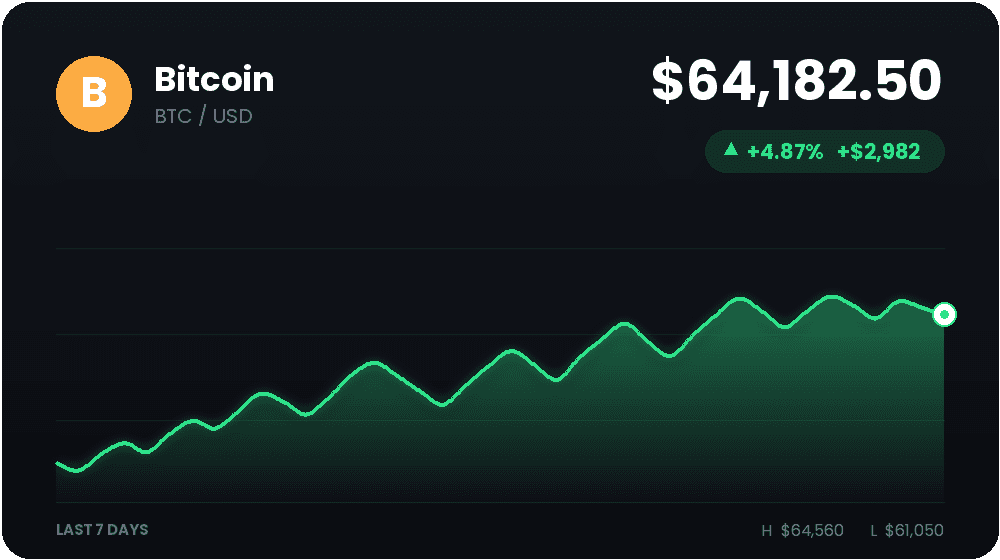
Every image below is output from a script in the examples folder — no design tool involved.